Themes
Poweradmin includes built-in themes that can be selected through the configuration file to change the application's visual appearance.
Available Themes
Poweradmin ships two complete themes:
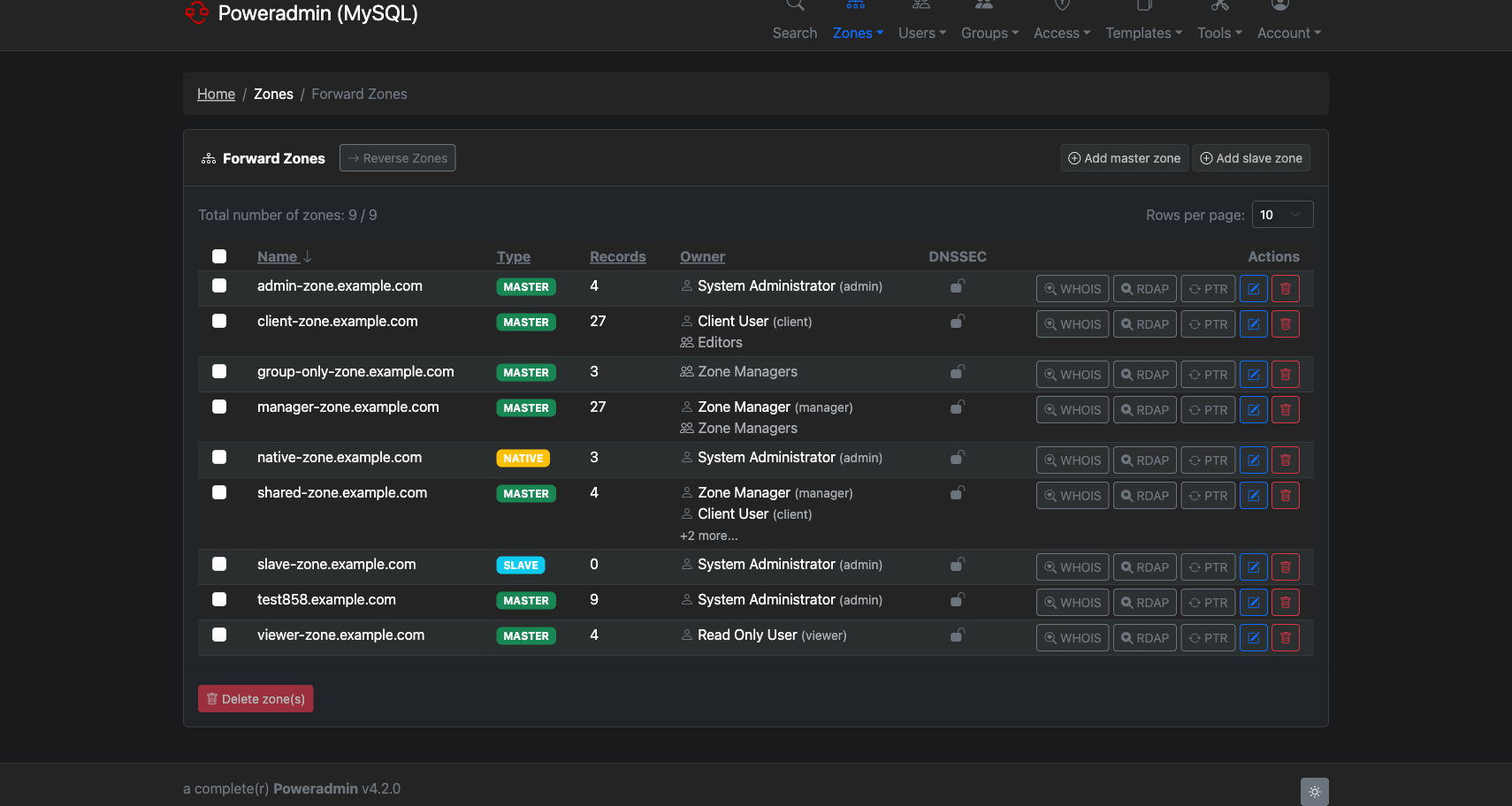
- default: The standard theme, with navigation across the top of the page.
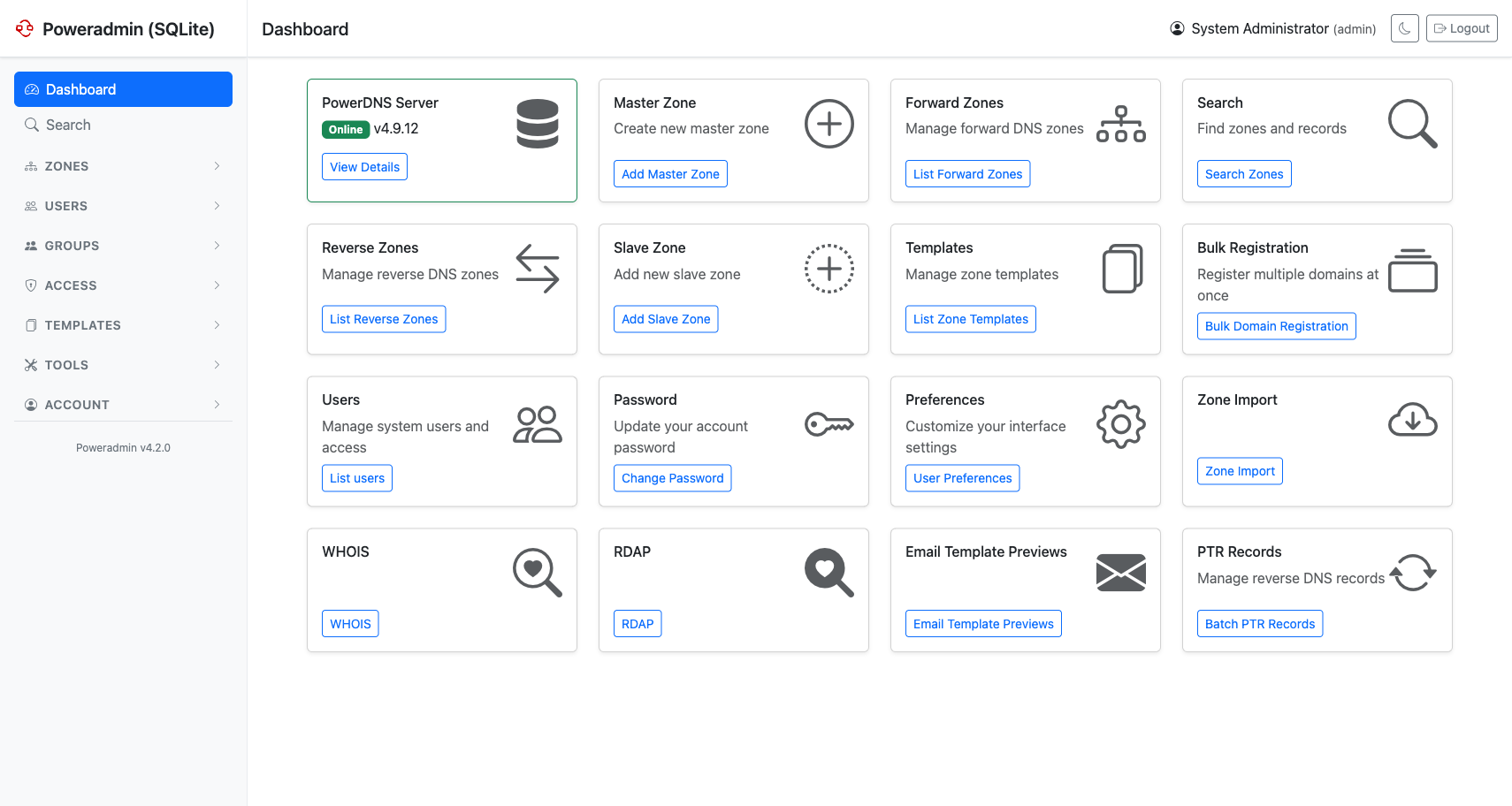
- modern (since v4.1.0): A Bootstrap 5 layout with a collapsible sidebar instead of a
top bar, tuned for smaller screens. It carries the same set of templates as
defaultand is kept in sync with it, so every page exists in both.
A third value, custom, points Poweradmin at your own template directory - see Creating Custom Themes below.
Both shipped themes support the light and dark styles, and both can be restyled without forking through Custom CSS.
Theme Configuration
Configure your preferred theme in the settings.php file under the interface section:
return [
    'interface' => [
        'theme' => 'default',  // Options: 'default', 'modern', 'custom'
        'style' => 'light',    // Options: 'light', 'dark'
        'theme_base_path' => 'templates', // Base path for theme templates
    ],
];
Note: The theme sets the layout. The style (light or dark) is a separate setting, and users can override it for themselves from the toggle in the page footer.
Theme Screenshots
Light Style
Dark Style
Theme Components
Each theme includes consistent styling for:
- Navigation menus
- Form elements
- Buttons and controls
- Tables and data views
- Modals and dialogs
- Notifications and alerts
Creating Custom Themes
Poweradmin supports custom themes through the theme templates system. To create a custom theme:
- Set the theme to
customin your settings - Create a directory structure in your theme base path (see below)
-
Customize the template files to match your organization's branding
Theme Customization
For more information on customizing themes, see:
- Custom UI Layout (includes custom header and footer setup)
- Custom CSS (for additional style customization)