What's New in 4.0.0
Released 31 July 2025.
4.0.0 was a rewrite. The configuration system, the installer, the interface and the internal structure all changed, and a large amount of functionality arrived that 3.x never had: a REST API, multi-factor authentication, bulk record operations, and lookup tools.
Because so much moved, this is the one upgrade in the 4.x line that needs real planning. Read the 4.0.0 upgrade guide before starting.
Highlights
A new configuration system
Configuration moved from inc/config.inc.php to config/settings.php, a structured PHP
array grouped into sections (dns, interface, security, database, logging, and so
on) instead of a flat list of constants. A config/migrate-config.php helper converts an
existing 3.x file.
See Basic Configuration and Legacy Configuration.
A guided installer
The installer checks PHP extensions and permissions before it writes anything, and walks through language, database, nameservers and the limited-rights database user in eight steps.
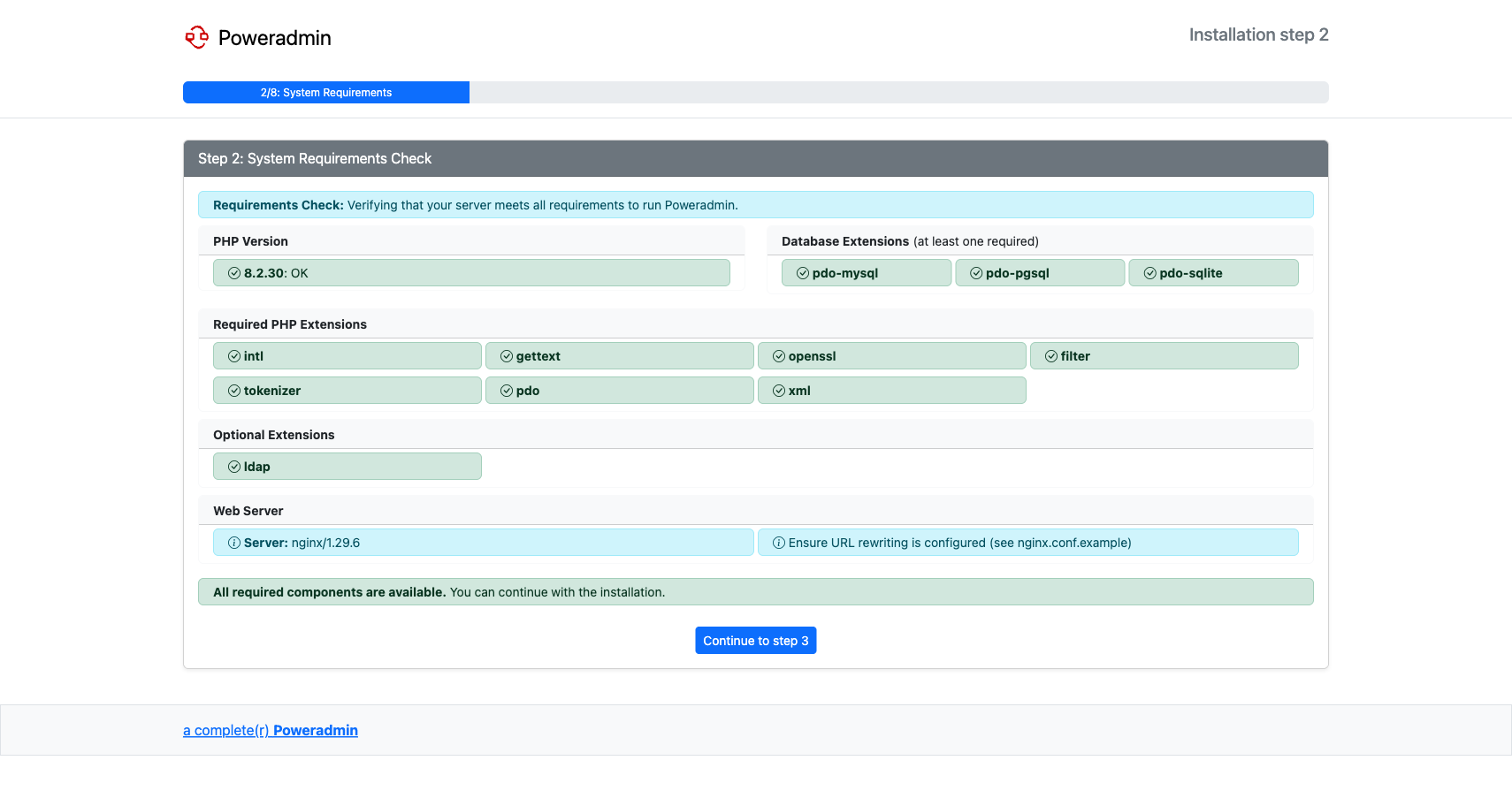
See Web Installer Wizard.
REST API with API keys
Poweradmin became scriptable. Zones, records, users and permission templates are all reachable over HTTP, authenticated with per-key credentials that can be issued, regenerated and revoked individually, and browsable through an OpenAPI document.
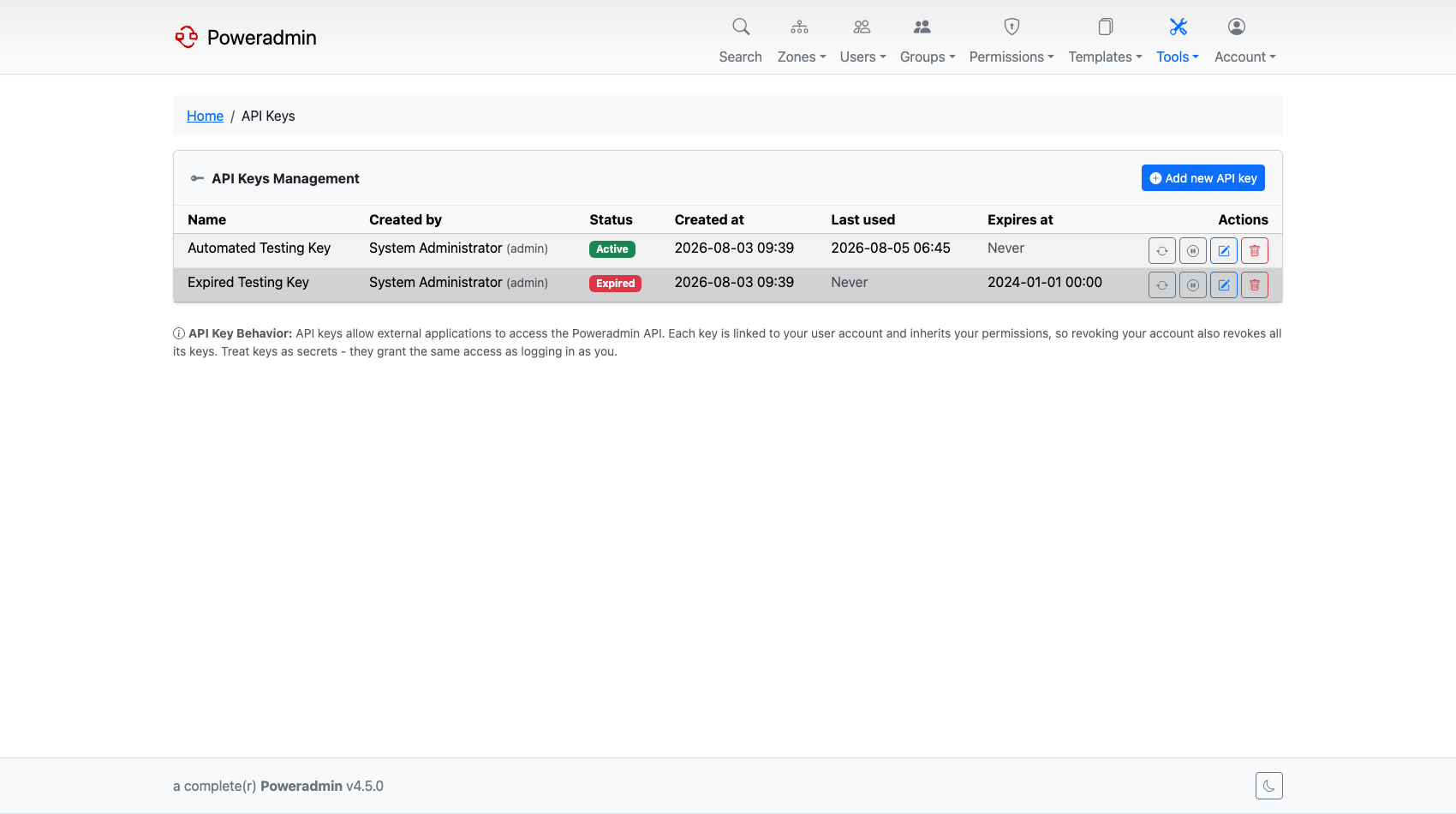
See API Overview and API Configuration.
Note: The API introduced here was v1. It was superseded by v2 in 4.1.0 and removed in 4.5.0. New integrations should use v2.
Multi-factor authentication and account protection
A full set of login defences arrived together:
- MFA with authenticator apps (TOTP), email codes, and recovery codes.
- Self-service password reset over email, with token lifetimes and rate limiting.
- Account lockout after repeated failures, tracked per account and per IP, with allow and deny lists.
- Password policies for length and character classes.
- Google reCAPTCHA v2 or v3 on the login form.
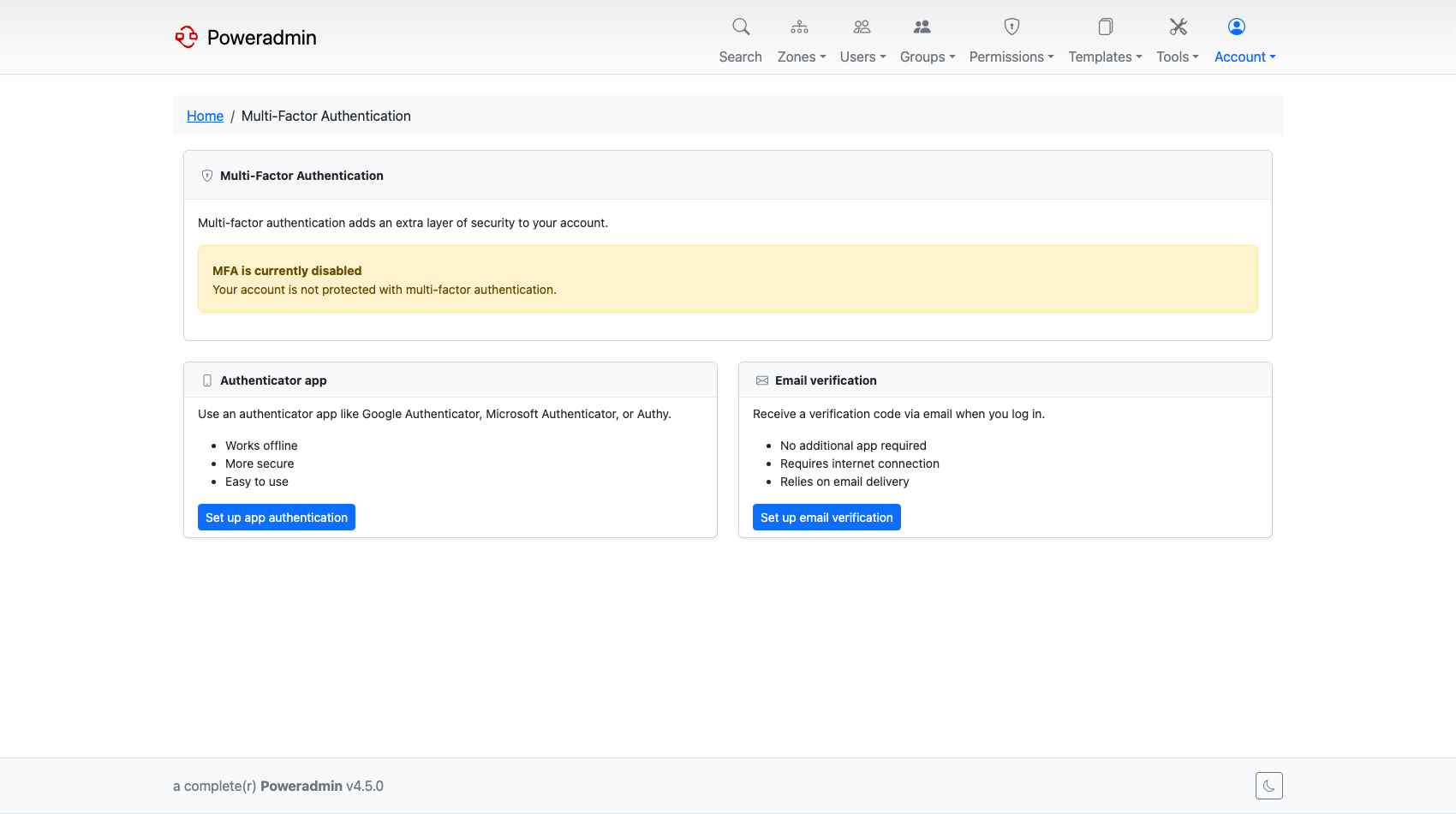
See Multi-Factor Authentication, Password Policies and Security Policies.
Bulk record operations
Working with a zone stopped being one record at a time:
- Bulk record add enters many records in a single form.
- Batch PTR creation builds reverse records for a whole IP range.
- Bulk delete removes several records at once.
- CSV export dumps a zone's records.
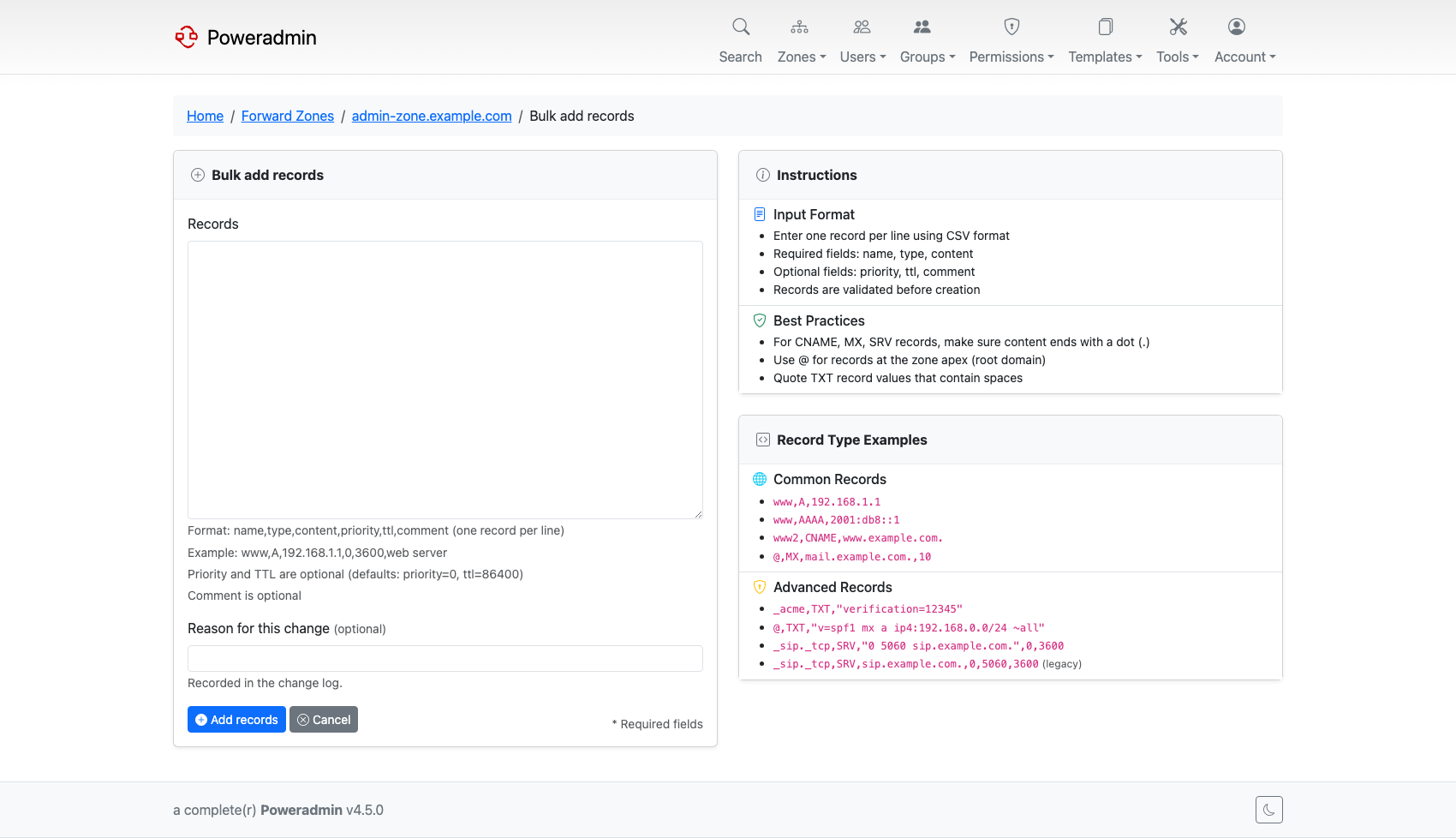
See Bulk and Batch Operations and Reverse DNS.
WHOIS and RDAP lookups
Registration data for a domain without leaving the application, over the classic WHOIS protocol or over RDAP, with configurable servers and timeouts.
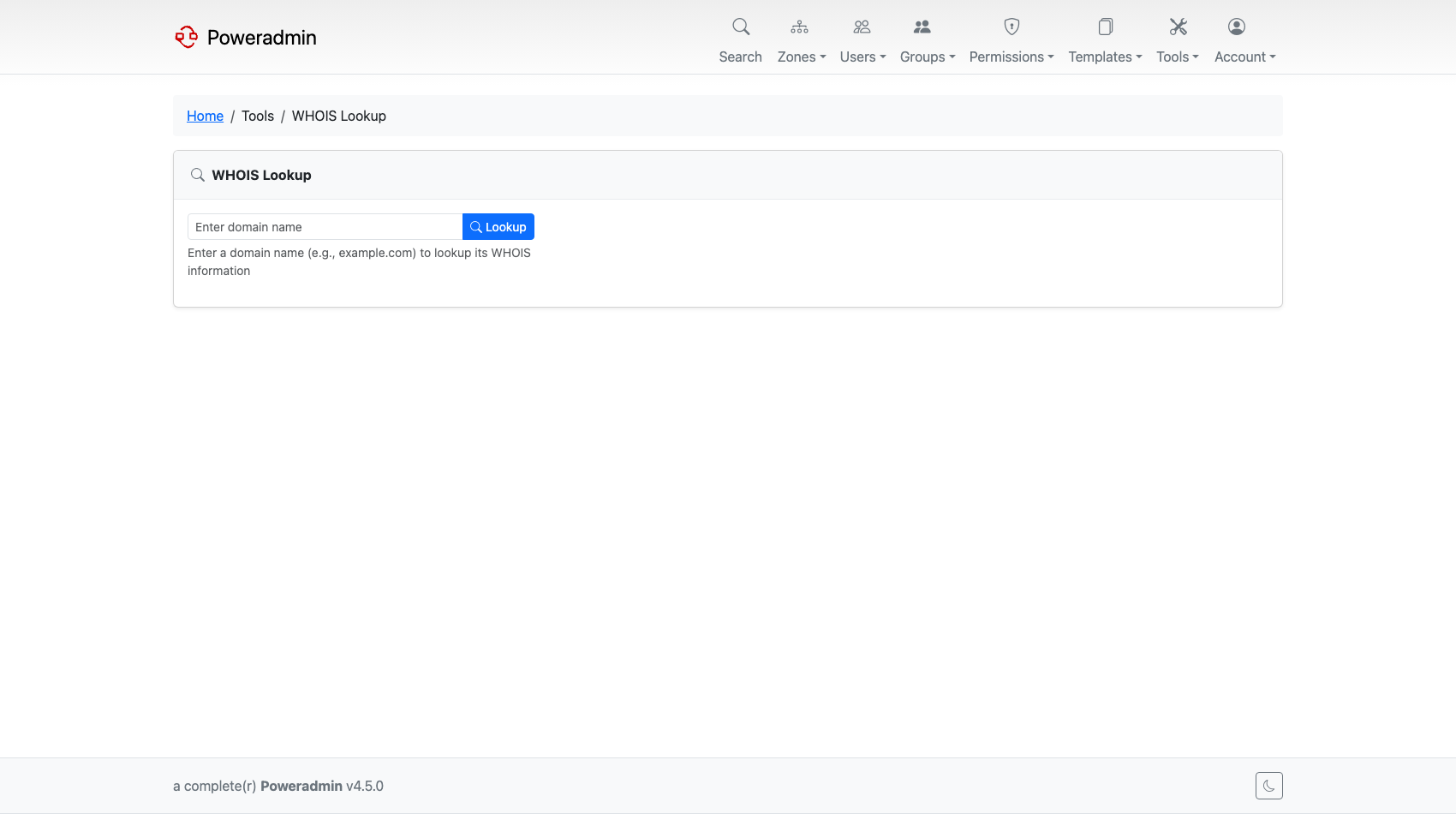
See WHOIS Configuration and RDAP Configuration.
A themed, responsive interface
A card-based dashboard, a Bootstrap layout that works on small screens, light and dark styles, and a theme system that lets you point Poweradmin at your own templates.
A modern Docker image
The container moved to FrankenPHP and gained a hybrid configuration system, so the same image can be driven from a settings file, from environment variables, or from Docker secrets.
See Docker Installation.
Also in this release
| Feature | What it does | Where |
|---|---|---|
| Separate reverse zone list | Reverse zones get their own paginated page instead of being mixed into the zone list | Reverse DNS |
| Zones-per-template page | See every zone using a template, and unlink zones from it | DNS Templates |
| Editable supermasters | Supermasters can be edited, not just added and deleted | Users and Roles |
| User agreements | Force users to accept a versioned agreement, with an audit trail | User Agreements |
| User preferences | Per-user display settings stored in the database | Basic Configuration |
| Configurable record types | Restrict which record types appear, separately for forward and reverse zones | Record Type Customization |
| Duplicate PTR prevention | dns.prevent_duplicate_ptr stops several PTRs pointing at one address |
DNS Settings |
| Reverse zone sorting | Natural or hierarchical ordering, plus hostname-only display | UI Overview |
| Database consistency checks | An admin page that scans for orphaned and inconsistent DNS data | Maintenance |
| PowerDNS status page | Server health and statistics from inside Poweradmin | PowerDNS API |
| Email template previews | Preview transactional emails in HTML and plain text, light and dark | Mail Configuration |
| HTML email templates | Branded new-account, password-reset and MFA messages | Mail Configuration |
Patch releases
| Release | Added |
|---|---|
| v4.0.1 | Support for a PowerDNS schema in a separate MySQL database |
| v4.0.3 | Basic Auth credentials for the PowerDNS metrics endpoint |
| v4.0.4 | Long TXT and DKIM records accepted; the 255-byte validation was removed |
| v4.0.5 | interface.show_forward_zone_associations on the reverse zone list; DNSSEC signing is no longer pre-selected when creating a zone; delete confirmations became CSRF-protected POST forms |
| v4.0.9 | The sign-zone button was separated from the zone edit form, so saving a zone can no longer sign it by accident |
| v4.0.10, v4.0.11 | Bug fixes and translation updates only |