Search
Search finds zones and records across everything you are allowed to see. It is reached from
Search in the top navigation (/search) and needs the search permission.
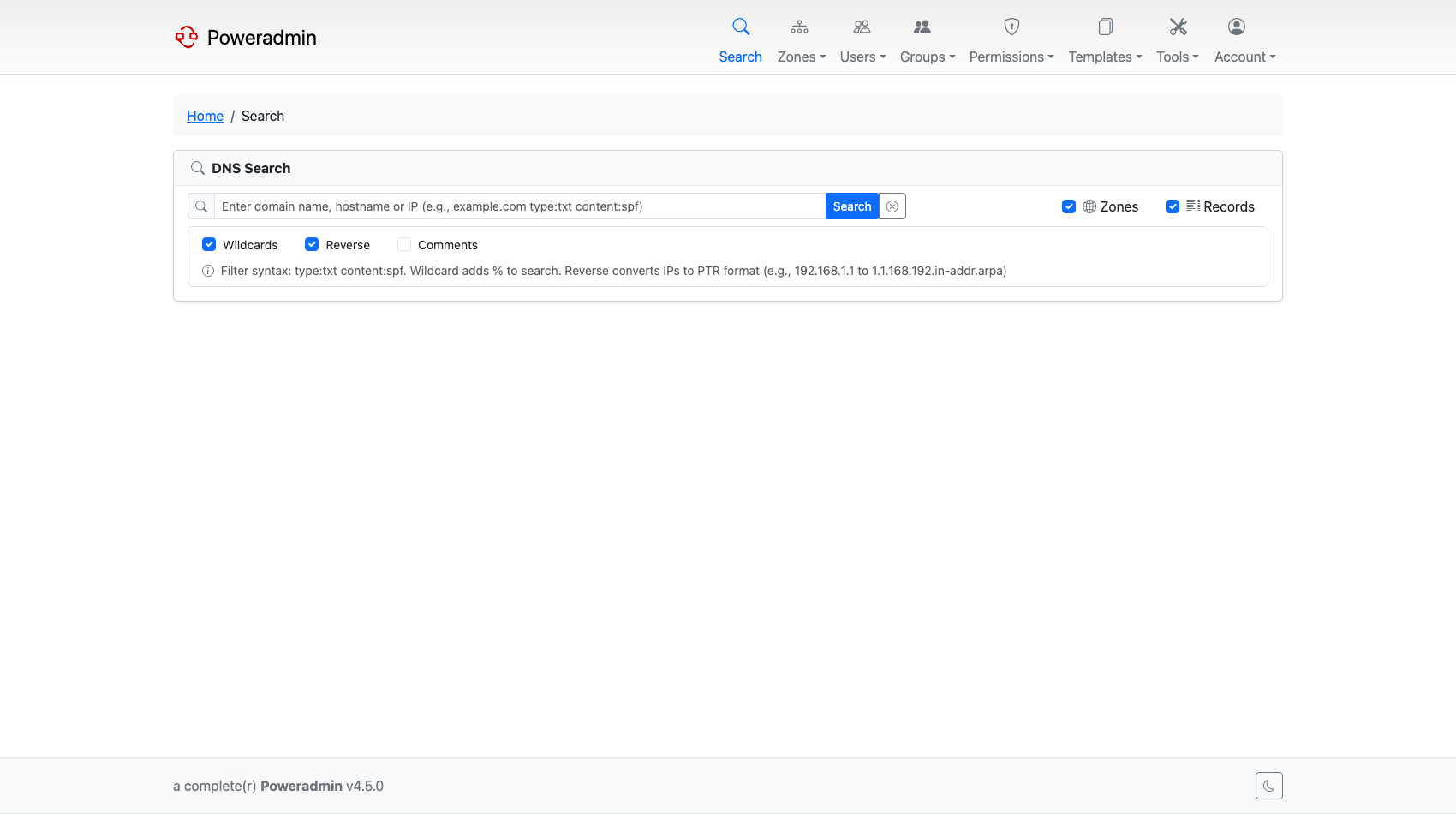
Results are scoped by your own permissions, so a user who can only see their own zones searches
only their own zones. Holding search alone does not widen what you can view.
Options
Five checkboxes control the search:
| Option | Effect |
|---|---|
| Zones | Match zone names |
| Records | Match record names and record content |
| Wildcard | Match anywhere in the value. Unticked means an exact match |
| Reverse | Also match the PTR form of an IP address |
| Comments | Also search zone and record comments |
Two of these interact with the others:
- Ticking Comments turns Wildcard on, because an exact-match comment search is rarely useful.
- Reverse only applies to a valid IPv4 or IPv6 address. For anything else it is ignored. When
it does apply, the query is converted to its PTR name -
10.0.0.5becomes5.0.0.10.in-addr.arpa- and matched against reverse-zone record names.
Searching for a bare IP address automatically enables Records and Reverse, so looking up an address finds both the A/AAAA record and its PTR without ticking anything.
Queries are converted to punycode before matching, so an internationalised domain name can be typed in either form.
Filters in the query box
Two filters can be typed directly into the search box. Both are removed from the text before the rest of the query is matched, and both force a record search.
| Filter | Matching | Example |
|---|---|---|
type: |
Exact, case-insensitive on input | type:txt finds TXT records |
content: |
Substring | content:spf finds records whose content contains spf |
They combine with an ordinary query, so example.com type:mx searches for example.com among MX
records only. A space after the colon is accepted (type: mx).
Comment search
Searching comments needs the comment feature to be visible in the first place:
- Zone comments require
interface.show_zone_comments - Record comments require
interface.show_record_comments
If a comment type is hidden by configuration, ticking Comments will not search it. See UI Customization Overview.
Results
Zones and records are listed separately, each with its own pagination and rows-per-page, starting from your rows-per-page preference.
Zone results sort by name or type, and also by record count (SQL backend only) and by owner name if you have permission to see owners. Record results sort by name, type, priority, content, TTL or disabled state.
Setting interface.search_group_records collapses records that share the same name, type and
content into a single row. It is off by default.
You can select zones or records from the results and delete them in bulk, subject to your delete permissions.